

Key Takeaways
- Most people receive far more notifications than they need, harming focus and increasing stress.
- Auditing your apps and sorting them by priority is the single most effective first step.
- Scheduled 'Do Not Disturb' windows protect your attention during work, sleep, and meals.
- Grouped or batched notifications reduce interruptions without making you miss important alerts.
- Your notification setup should evolve over time — revisit settings every few months.
Why Your Notifications Are Working Against You
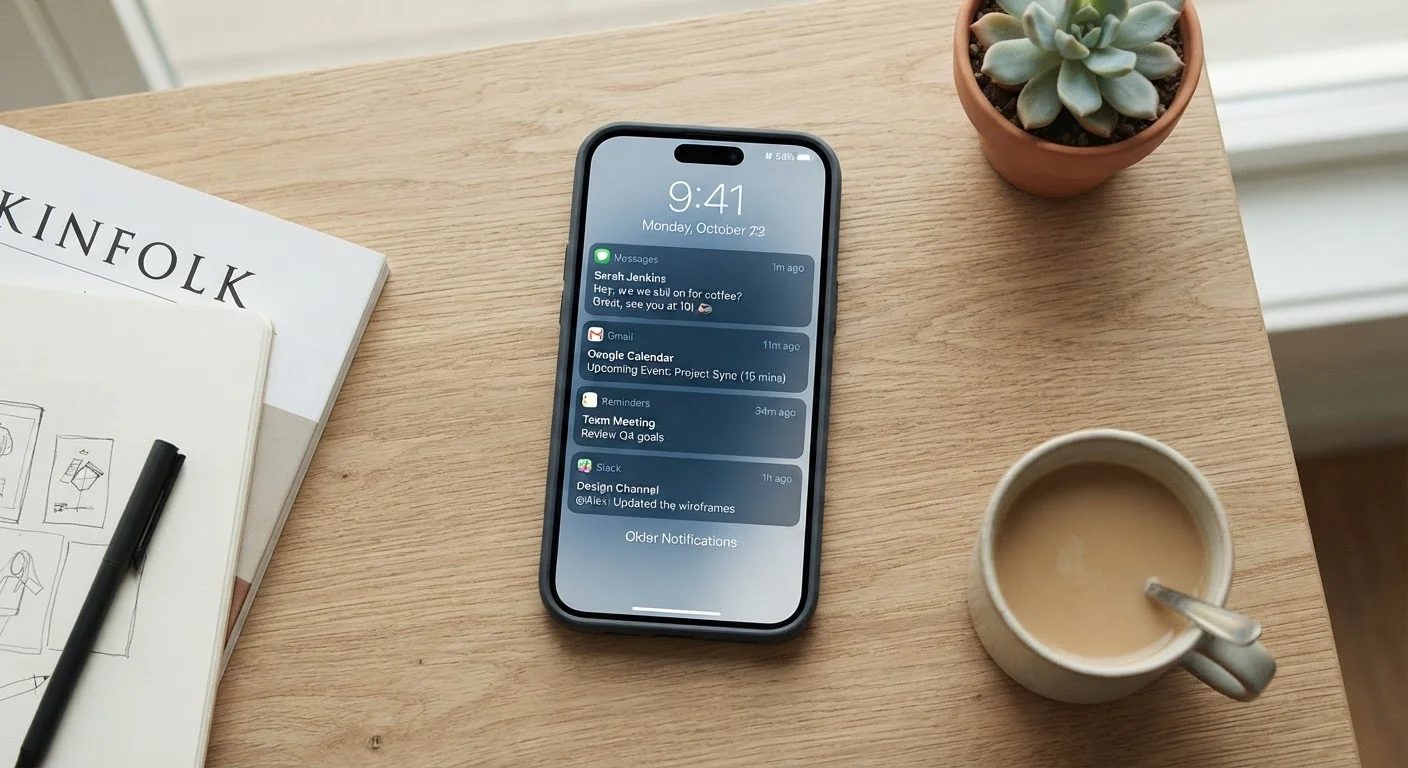
The average smartphone user receives dozens of notifications per day. Many of these — a social media like, a promotional email, a news headline — carry almost no urgency. But each one still interrupts whatever you were doing, pulling your attention away and making it harder to refocus afterward.
Research on attention consistently shows that even brief interruptions can cost several minutes of productive focus. Multiply that across a day's worth of pings and banners, and the cumulative cost becomes significant. Beyond productivity, the constant presence of alerts creates low-grade background stress that many people have simply accepted as normal.
The good news: you don't have to accept it. Every major smartphone operating system gives you granular control over notifications. The challenge is knowing where to start.
80+
Average daily notifications per user
Industry estimates commonly place average daily smartphone notification volume above 80 alerts, varying by device usage patterns and app mix.
~23 min
Time to regain deep focus after an interruption
Attention research, including work associated with UC Irvine, suggests it can take over 20 minutes to fully regain concentration after a task interruption.
Start With a Full Notification Audit
Before you change any settings, get a clear picture of what's actually pinging you. On both Android and iPhone (iOS), you can navigate to Settings > Notifications and see a full list of every app with notification permissions. Scroll through it deliberately.
For each app, ask yourself one question: Does this app ever send me something I need to act on within the hour? If the answer is rarely or never, that app's notifications should be turned off entirely or set to silent delivery — meaning alerts arrive in your notification tray without making any sound or lighting up your screen.
Start With the Obvious Offenders
Social media, shopping, and news apps are the most common sources of low-value notifications. If you want a fast win, disable notifications for these categories first before fine-tuning anything else. Most people notice an immediate reduction in distraction without missing anything important.
Most people find that only five to ten apps genuinely need real-time alerts: phone calls, messaging apps used for close contacts, calendar reminders, and perhaps a banking or navigation app. Everything else can wait.
Organize What Stays: Priority, Sound, and Delivery Style
Once you've trimmed the list, organize what remains into tiers based on how urgently each type of alert actually needs your attention.
Assign sound-and-banner alerts only to time-sensitive apps
Full interruptions — sound, vibration, and a pop-up banner — are the most disruptive delivery method. Reserving them for genuinely urgent alerts trains your brain to take those interruptions seriously instead of tuning them out.
Enable notification grouping or stacking where available
When multiple alerts from the same app pile up individually, they create visual clutter and a false sense of urgency. Grouping them into a single collapsed stack means one glance shows you the count without demanding immediate action on each.
Turn off notification previews on your lock screen
Lock-screen previews that display message content are a constant source of distraction when your phone is sitting nearby — even when you haven't intentionally checked it. Hiding previews means you only see content when you choose to unlock the device.
Revoke notification permissions for newly installed apps by default
Apps request notification access during setup, and most people tap 'Allow' without thinking. Starting from a position of denial — then granting access only if you find you need it — keeps your alert list from growing again over time.
Both Android and iOS let you customize whether a notification makes a sound, shows a banner on your lock screen, appears as a badge (the small numbered dot on an app icon), or does all three. Matching the delivery style to the urgency level means you'll be interrupted appropriately — loud alerts for things that matter, silent badges for things that can wait.
Use Scheduled Quiet Hours to Protect Your Focus
Even well-organized notifications become a problem if they arrive at the wrong moments. Scheduling automatic quiet periods is one of the most effective changes you can make.
Do Not Disturb (available on both major platforms) silences all or most notifications during a window you define. Common setups include overnight hours, the first hour of the morning, and blocks during work or focused study time. You can usually designate specific contacts — a partner, a child's school — as exceptions so urgent calls still come through.
Some devices also offer a Focus mode (the term used in iOS) or similar feature that goes further, filtering notifications based on what you're doing — driving, working, or winding down. These are worth exploring once you've handled the basics.
Keep Revisiting Your Settings
Notification habits drift. New apps get installed and automatically request alert permissions. Old apps you barely use keep pinging. Seasonal changes — a new job, a new routine — shift which alerts are actually useful.
New Apps Reset the Balance
Every app you install is a potential new source of interruptions. Both Android and iOS allow you to set a default behavior that requires apps to request permission before sending any notifications — check your settings to ensure this prompt is active. Reviewing permissions after any batch of new installs keeps your carefully organized system intact.
Setting a reminder to revisit your notification settings every two to three months takes only a few minutes and pays dividends in reduced distraction. Think of it less like a one-time fix and more like a recurring small act of digital maintenance, similar to clearing out old files or updating passwords.
The goal isn't silence for its own sake. It's making sure that when your phone does alert you, it's actually worth your attention.