

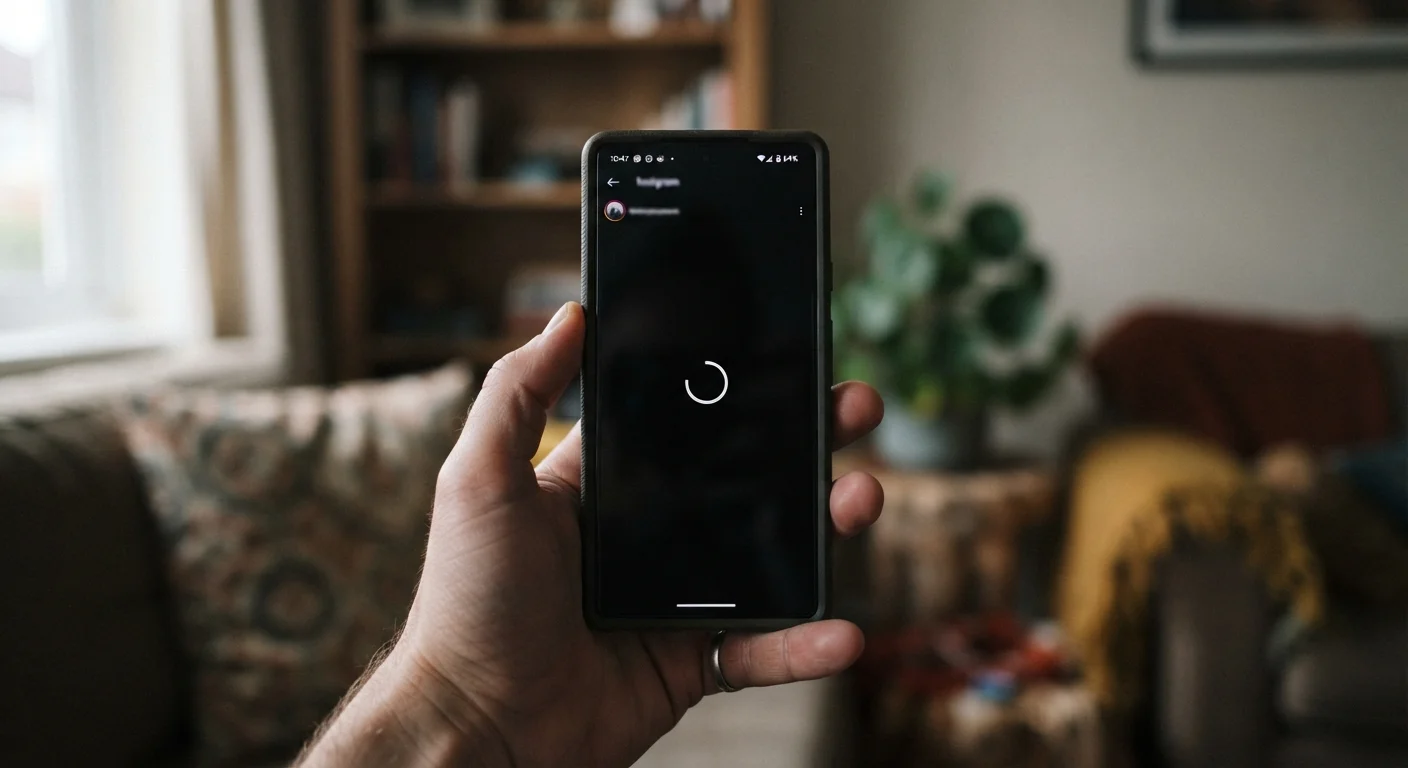
Key Takeaways
- Storage overload, background app activity, and outdated software are the most common causes of phone slowdowns.
- Many slowdown causes are fixable with settings adjustments — no new phone required.
- A degraded battery can directly affect processor performance, not just battery life.
- Regular maintenance habits can meaningfully extend a phone's useful lifespan.
What's Actually Happening When Your Phone Slows Down
A phone that felt snappy when new but now lags on basic tasks hasn't necessarily worn out — in most cases, specific and addressable factors have piled up over time. The processor inside your phone is the same one it shipped with, but the demands placed on it have grown: apps are larger and more complex, the operating system has added features, and years of accumulated data create friction at every step.
Understanding the actual causes — rather than assuming age alone is to blame — puts you in a better position to fix what's fixable. The mistakes below represent the most common ways users inadvertently make their phones slower, along with practical steps to address each one.
Ignoring storage until the phone grinds to a halt.
Why it happens: Storage fills up gradually — photos, app data, and downloads accumulate quietly in the background until performance noticeably degrades.
Leaving too many apps running or set to refresh constantly in the background.
Why it happens: Apps default to background refresh so they can deliver instant updates, but most users never adjust these defaults — leaving dozens of apps quietly consuming memory and processing power.
Skipping software updates for months or years.
Why it happens: Update prompts appear at inconvenient times, and many users defer them indefinitely to avoid disruption or fear the update will cause problems.
Never restarting the phone.
Why it happens: Modern phones handle standby so efficiently that restarting feels unnecessary — many users go weeks or months without a full restart.
Overlooking battery degradation as a performance issue.
Why it happens: Battery wear is invisible — the phone still charges and works, so most users don't connect a degraded battery to sluggish app performance.
When Slowdowns Point to Something Bigger
If you've addressed the common culprits above and your phone is still noticeably sluggish, it may be worth considering whether the hardware has genuinely reached its limits. Older phones running the latest operating system versions can struggle because newer software is engineered around newer processor and memory capabilities.
Battery Health Affects Speed, Not Just Uptime
Most people don't realize that when a phone's battery degrades significantly, the operating system may throttle the processor to prevent unexpected shutdowns. This means a worn battery can make your phone feel sluggish even when it has plenty of charge. Checking your battery health — available in your phone's settings — is one of the first diagnostic steps worth taking before assuming anything else is wrong.
That said, many users replace phones prematurely. A battery replacement, a factory reset, or simply adopting better maintenance habits can restore years of usable life. If you're weighing whether to hold on to an older device, the real trade-offs of using an older smartphone lays out an honest picture of both sides.
It's also worth noting that network-related slowdowns — slow page loads, stuttering video — are sometimes mistaken for phone performance issues. If apps load quickly but browsing feels slow, your Wi-Fi may be the variable. See why your Wi-Fi slows down for a separate look at that problem.
~2–3 years
Typical lithium-ion battery lifespan
Most smartphone batteries retain good capacity for roughly 2–3 years of regular use before degradation becomes noticeable, according to general industry guidance on lithium-ion cell chemistry.
10–15%
Recommended minimum free storage
Keeping at least 10–15% of internal storage free is a widely cited threshold for maintaining stable read/write performance on mobile devices.