

Key Takeaways
- Tablets shine for media consumption, portability, and casual use — not heavy productivity.
- Laptops handle multitasking, file management, and typing-intensive work far more comfortably.
- A keyboard accessory can close some gaps, but a tablet's operating system still has limits.
- Many households benefit from owning one of each, used for different purposes.
- Your daily habits — not specs — should drive the decision between the two.
Option A
Tablet
The lightweight, touch-first companion for consuming content on the go.
Best for: Best for streaming, reading, casual browsing, video calls, and handing to kids for supervised screen time.
Option B
Laptop
The versatile, keyboard-driven workhorse for getting real tasks done.
Best for: Best for writing, spreadsheets, multitasking, school assignments, and any work that demands a physical keyboard.
If your main activities are streaming, reading, and video calls
Tablet
Tablets are purpose-built for passive consumption. The touchscreen interface, lighter weight, and longer battery life make them ideal for couch browsing and video watching.
If you write documents, manage spreadsheets, or work from home
Laptop
A physical keyboard and a full desktop-class operating system make sustained, typing-heavy work significantly easier and less frustrating on a laptop.
If you need a device primarily for a school-age child
Tablet
Tablets are easier to manage with parental controls and are more durable for younger users. See our child tablet setup checklist before handing one over.
If you travel frequently and need to work on the road
Laptop
Laptops offer a stable, predictable environment for file access, email, and presentations — tasks that tablet apps still handle inconsistently.
If you want one versatile device that does a bit of everything
Laptop
When forced to choose just one, laptops cover a broader range of tasks without compromise, including most things tablets do well.
Where the Lines Have Blurred
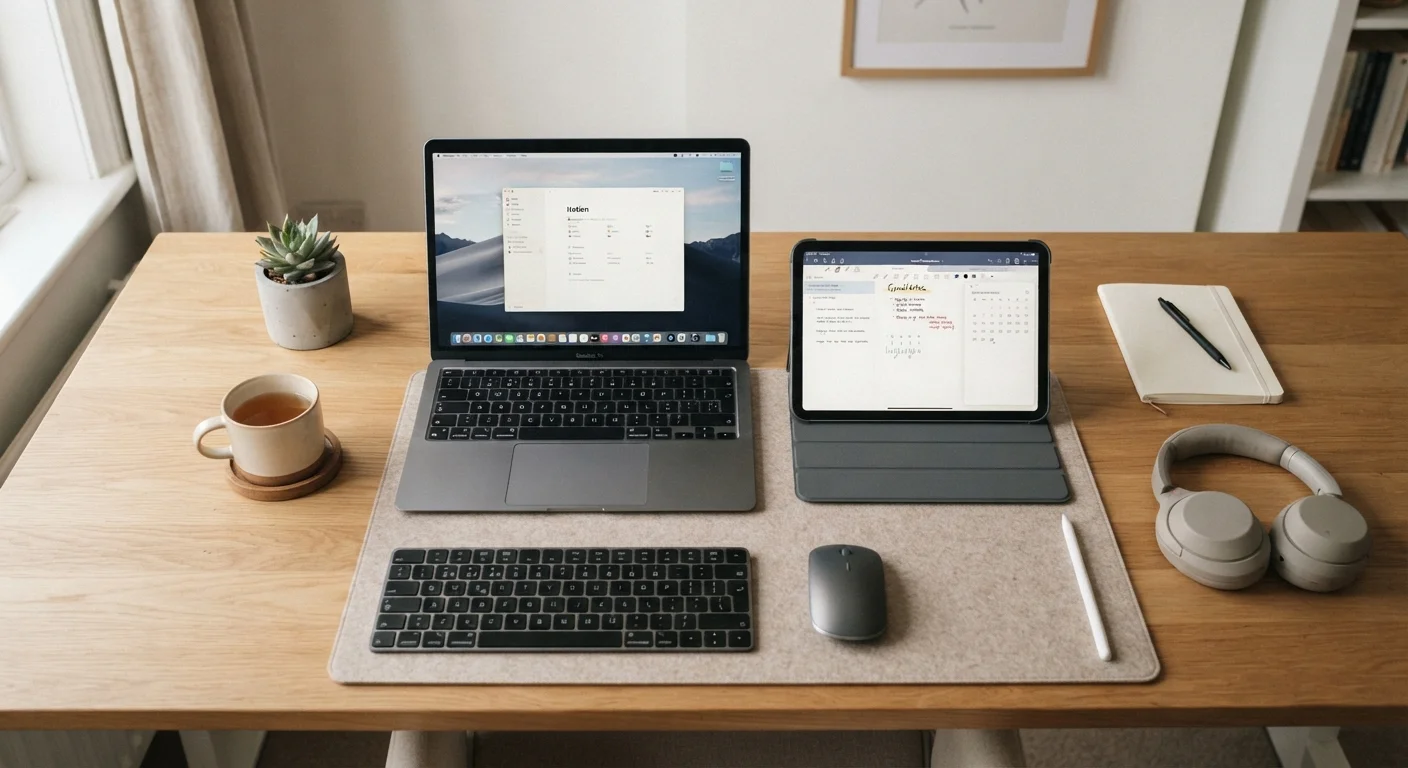
Tablets today can attach keyboards, run productivity apps, and connect to monitors. Some laptops have touchscreens that fold flat like a tablet. It would be easy to assume the two categories have fully merged — but in daily use, meaningful differences remain.
The distinction mostly comes down to operating system design and input method. Tablet operating systems (like iPadOS or Android) were built around touch and apps. Laptop operating systems (Windows and macOS) were designed for a keyboard, mouse, and file-folder structure. That underlying architecture shapes everything from how you multitask to how you save files.
Understanding those roots helps you predict how each device will actually feel during a typical day — not just in a store demo. For a broader look at how connected devices fit into your home, the Home Tech Basics hub is a useful starting point.
| Criterion | Tablet | Laptop |
|---|---|---|
| Primary input | Touchscreen | Keyboard and trackpad |
| Portability | Lighter, easier to carry | Heavier, bulkier |
| Battery life | Typically longer | Varies; often shorter under load |
| Multitasking | Limited by OS design | Strong, full desktop OS |
| File management | App-based, less intuitive | Folder-based, familiar |
| App ecosystem | Mobile/tablet apps | Full desktop software |
| Typing comfort | Requires accessory keyboard | Built-in keyboard standard |
| Best for | Streaming, reading, calls | Work, school, productivity |
What Tablets Do Well — and Where They Hit a Wall
Tablets genuinely excel at a short list of tasks: streaming video, reading, casual web browsing, video calls, and digital art or note-taking with a stylus. They're also the lighter option — easier to hold in one hand or toss in a bag without thinking about it.
Battery life is another genuine strength. Because tablet chips are designed with power efficiency in mind (similar to a smartphone), many tablets last a full day of moderate use on a single charge.
The friction shows up when you try to do office-style work. Attaching a keyboard cover helps with typing, but the app ecosystem still lags behind. Opening two documents side by side, managing a folder of downloaded files, or running a browser with fifteen tabs open are tasks tablets handle awkwardly. Some professionals have made tablets work for them, but it typically requires workarounds.
~55%
Tablet use attributed to video streaming
Industry research from analysts including IDC has consistently found that media consumption dominates how consumers use tablets day to day.
2–3 lbs
Typical weight difference between tablet and laptop
Most consumer laptops weigh between 3 and 5 pounds; most tablets fall between 1 and 2 pounds, a meaningful difference for daily carry.
What Laptops Do Well — and Where They Fall Short
A laptop's home turf is keyboard-driven, multitasking work. Writing a report, building a spreadsheet, editing photos with desktop software, joining a work meeting while referencing a document — these tasks flow naturally on a laptop in ways they simply don't on most tablets.
File management is more intuitive, too. Dragging files between folders, downloading attachments and finding them later, connecting to a work network — a laptop's desktop operating system handles these tasks the way most people already expect them to work.
The trade-offs are weight and battery life. Laptops are generally heavier and bulkier to carry around. And while battery technology has improved, a laptop that promises ten hours often delivers six under real-world conditions. Touchscreen interaction — scrolling, pinching, tapping — also feels less natural on most laptops, even those with touch-capable displays.
If you're also weighing other device decisions, our comparison of smartwatches vs. fitness trackers follows similar logic: match the device to your daily habits, not the other way around.
Making the Call: Questions Worth Asking Yourself
Before deciding, run through a few honest questions about your day-to-day:
- Do you type for more than 30 minutes a day? If yes, a physical keyboard matters — and a laptop delivers it without an accessory add-on.
- Is your device mostly for the couch or the desk? Couch use favors tablets; desk work favors laptops.
- Do you need specific software — like desktop versions of creative or business applications? Verify whether tablet versions exist and are fully functional.
- Who else will use it? If a child is a primary user, a tablet's simpler interface and easier parental controls may be the better fit.
Many households end up with both — a tablet for casual daily use and a laptop for work or school. If that's not an option, lean toward whichever covers the task you do most. Neither device is universally superior; they're just built with different habits in mind.
The Hybrid Option: A Middle Ground
Some devices — often called 2-in-1s — are laptops with screens that detach or fold back into a tablet form. They can bridge the gap, but they tend to involve trade-offs: they're heavier than a pure tablet and sometimes less powerful than a traditional laptop at the same price point. They're worth considering if your needs are genuinely split, but they don't eliminate the trade-offs — they redistribute them.