

| Typical home Wi-Fi frequency bands | 2.4 GHz and 5 GHz (some routers add 6 GHz) |
| Latency target for video calls | Under 150 ms is generally acceptable |
| Smart home unifying standard | Matter (cross-brand compatibility) |
| Common low-power smart device protocols | Zigbee and Z-Wave |
| Wired connection type used in homes | Ethernet (via RJ-45 cable) |
| Current Wi-Fi security standard | WPA3 (replaces older WPA2) |
Why These Terms Matter
Setup guides, router dashboards, and smart device apps are packed with terms that assume you already know what they mean. You probably don't — and that's completely normal. This glossary cuts through the noise so you can configure a device, troubleshoot a connection, or simply understand what a product page is actually describing.
For a deeper look at how connected devices work together in a household, see our comprehensive smart home guide. If you're focused on phone and tablet connectivity specifically, the mobile data and Wi-Fi glossary covers those terms in detail.
| Typical home Wi-Fi frequency bands | 2.4 GHz and 5 GHz (some routers add 6 GHz) |
| Latency target for video calls | Under 150 ms is generally acceptable |
| Smart home unifying standard | Matter (cross-brand compatibility) |
| Common low-power smart device protocols | Zigbee and Z-Wave |
| Wired connection type used in homes | Ethernet (via RJ-45 cable) |
| Current Wi-Fi security standard | WPA3 (replaces older WPA2) |
Core Networking Terms
These are the foundational concepts behind almost every connected device in your home.
Router
A device that connects your home to the internet and distributes that connection to your devices wirelessly (Wi-Fi) or via cables (Ethernet). It acts as the traffic director for all data moving in and out of your network.
Modem
A device that translates the internet signal coming from your service provider into a form your home network can use. Many providers supply a combined modem-router unit, but they can also be separate devices.
Ethernet
A wired connection between a device and a router using a physical cable. Ethernet typically provides a faster and more stable connection than Wi-Fi, and is preferred for devices that stay in one place, like smart TVs or gaming consoles.
Mesh Network
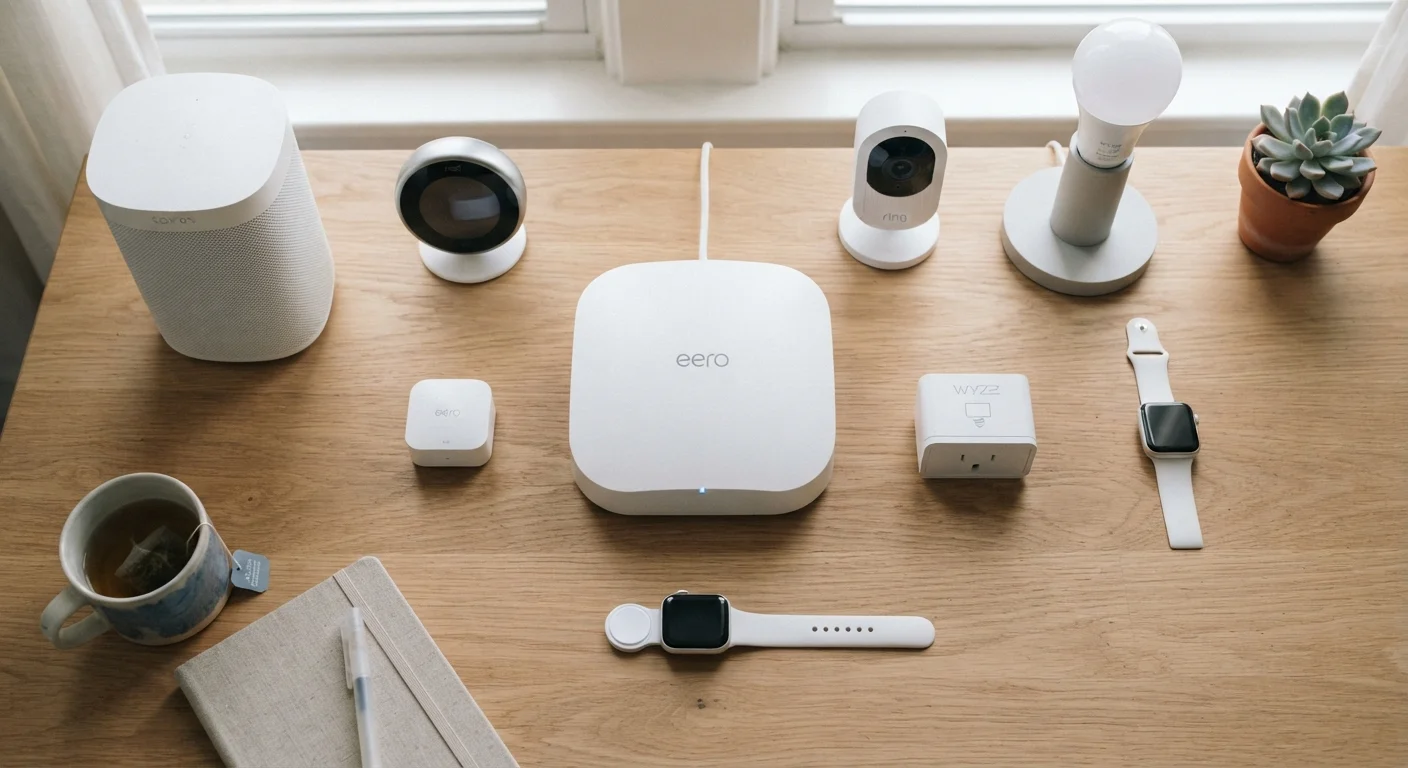
A Wi-Fi setup using multiple nodes (small access points) placed around your home instead of a single router. Each node communicates with the others to provide consistent coverage, eliminating dead zones in larger spaces.
Firmware
The built-in software that controls a device's core functions — think of it as the device's operating system. Manufacturers release firmware updates to fix bugs, patch security issues, and add features. Keeping firmware updated is an important security habit.
LAN
Local Area Network — the private network inside your home that your router creates. Devices on your LAN can communicate with each other without using your internet connection.
WPA2 / WPA3
Security protocols that encrypt data transmitted over your Wi-Fi network. WPA3 is the more current standard and is harder to crack. You choose the security protocol in your router's wireless settings.
DNS
Domain Name System — the service that translates web addresses (like example.com) into the numerical IP addresses computers actually use to locate each other. Slow or unreliable DNS can make browsing feel sluggish even when your connection speed is fine.
DHCP
Dynamic Host Configuration Protocol — a feature your router uses to automatically assign IP addresses to devices as they join the network. Without DHCP, you would have to configure each device's IP address manually.
NAT
Network Address Translation — a method routers use to allow multiple devices to share a single public IP address from your internet provider. It also acts as a basic layer of protection by hiding your internal device addresses from the public internet.
Understanding these basics helps you make sense of router settings and know when a problem is with your network versus a specific device. For terms that come up specifically in smart home setups — like Matter, Thread, and mesh networks — see the smart home tech glossary.
Smart Device and Protocol Terms
Smart home devices use a variety of communication standards. Knowing the difference helps you avoid buying devices that won't talk to each other.
- Zigbee — A low-power wireless standard used by many smart bulbs, sensors, and plugs. Devices using Zigbee form a mesh, meaning each device can relay signals for others, improving range. Zigbee devices typically require a compatible hub to connect to your home network.
- Z-Wave — Similar to Zigbee in that it creates a mesh network, but uses a different radio frequency designed to reduce interference from Wi-Fi. Z-Wave devices also generally need a hub and must be from Z-Wave certified manufacturers.
- Matter — A newer, unifying standard backed by major tech companies that allows smart devices from different brands to work together without brand-specific bridges or hubs. A device labeled Matter-compatible can connect directly through a supported app or voice assistant platform.
- Hub — A central device that bridges smart home gadgets (often Zigbee or Z-Wave) to your home Wi-Fi network, letting them be controlled via an app or voice assistant.
- IP Address — A numerical label assigned to each device on your network, like a mailing address. Your router assigns local IP addresses; your internet provider assigns one public IP address to your home. You may need a device's local IP address when accessing its settings directly.
To understand what a smart home setup actually looks like in practice, this plain-English explanation of smart homes is a useful starting point.
Performance and Signal Terms
These terms appear when diagnosing slow connections or comparing device capabilities.
2.4 GHz
Wi-Fi band with the widest indoor range
Lower frequency signals travel farther and pass through walls more easily, making 2.4 GHz useful for devices at a distance from the router.
<20 ms
Latency considered excellent for gaming
Latency above 100 ms typically produces noticeable lag in real-time online games and video calls.
250 Mbps
Approximate max throughput of older Wi-Fi 5 (802.11ac)
Wi-Fi 6 (802.11ax) can reach multi-gigabit theoretical speeds under ideal conditions, though real-world results vary by environment and device.
- Bandwidth — The maximum amount of data that can travel through your internet connection at once, measured in megabits per second (Mbps) or gigabits per second (Gbps). Higher bandwidth supports more simultaneous streaming, gaming, and device activity.
- Latency — The delay between sending a request and receiving a response, measured in milliseconds (ms). Low latency matters most for video calls and online gaming. High latency causes lag even when bandwidth is plentiful.
- GHz (Gigahertz) — A measure of radio frequency. Home routers typically broadcast on 2.4 GHz (longer range, slower speeds, better at penetrating walls) and 5 GHz (shorter range, faster speeds, less interference). Some newer routers also use 6 GHz.
- SSID — The name of your Wi-Fi network as it appears on your device's list of available connections. You can rename it in your router's settings.
If you want to go further with understanding how specs translate to real-world performance, our guide to reading spec sheets applies many of the same principles to mobile devices.