

Key Takeaways
- Smartwatches go far beyond telling time — they monitor health, deliver notifications, and run apps.
- Built-in sensors track heart rate, sleep, blood oxygen, and movement throughout the day.
- Most smartwatches require pairing with a smartphone, though some models offer standalone cellular connectivity.
- Not every feature gets used regularly — understanding what you actually need helps you choose wisely.
- Health data from a smartwatch is general wellness information, not a medical diagnosis.
Smartwatch
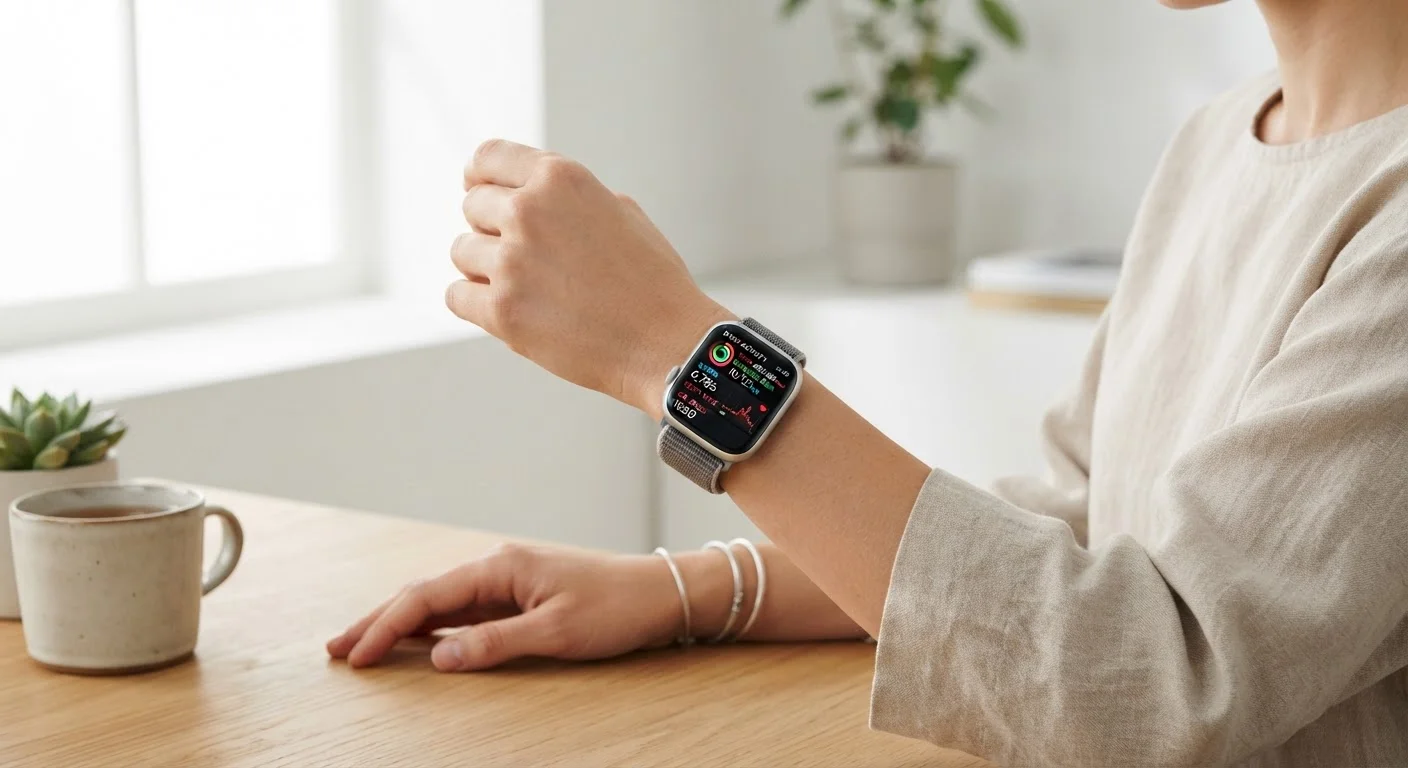
A smartwatch is a wearable computer worn on the wrist that connects to your smartphone and can run apps, display notifications, and track health metrics. Unlike a traditional watch, it has a touchscreen and wireless connectivity, letting it pull in data from your phone and sensors built into the watch itself. Most models sync with both iPhone and Android phones, though some features may vary depending on which phone you pair it with.
Smartwatches typically use Bluetooth to stay connected to a paired phone and may include Wi-Fi or cellular radios for standalone connectivity when the phone is out of range.
What a Smartwatch Actually Does Day-to-Day
The term "smartwatch" covers a wide range of devices, but the core promise is the same: a screen on your wrist that connects to the digital world around you. At the most basic level, a smartwatch mirrors your smartphone's notifications — texts, calls, calendar reminders, and app alerts — so you can glance at your wrist instead of pulling out your phone. That alone changes how many people interact with their devices during meetings, workouts, or family dinners.
Beyond notifications, smartwatches act as remote controls for your phone. You can skip a song, start a voice assistant, or reply to a message with a quick tap. For people who keep their phone in a bag or pocket, this wrist-level access is genuinely convenient in everyday situations.
Start With Notifications Before Anything Else
When you first set up a smartwatch, resist the urge to enable every feature at once. Start by deciding which apps are allowed to send notifications to your wrist — most people find that a selective list (messages, calendar, key apps) is far less distracting than mirroring everything. You can always expand later once you know what's actually useful to you.
For a practical look at what to configure once you have a device, see our guide to setting up a smartwatch.
Health and Fitness Tracking: The Sensor Story
This is where modern smartwatches have evolved most dramatically. The underside of most watches packs several sensors that measure your body continuously throughout the day.
- Heart rate monitor: Uses light to detect blood flow through your wrist. Gives ongoing readings and can alert you to unusually high or low rates.
- Accelerometer and gyroscope: Track movement to count steps, detect activity type (walking vs. running), and monitor sleep patterns.
- Blood oxygen (SpO2) sensor: Estimates the percentage of oxygen in your blood — useful context for sleep quality and general wellness.
- GPS: Available on many models, it maps outdoor workouts accurately without needing your phone nearby.
- ECG (electrocardiogram): Found on select models, this records your heart's electrical activity and can flag irregular rhythms worth discussing with a doctor.
It's important to understand that these readings are general wellness indicators, not clinical measurements. A smartwatch is a useful health awareness tool — it is not a medical device and should not replace professional evaluation.
~30%
U.S. adults who own a smartwatch or fitness tracker
Pew Research Center survey data indicates roughly three in ten American adults own some form of wrist-worn connected device.
1–2 days
Typical battery life for full-featured smartwatches
Devices with always-on displays, GPS, and continuous heart rate monitoring typically require daily or every-other-day charging.
3–5
Average number of apps users regularly engage with
Consumer behavior research consistently shows that most smartwatch owners actively use only a small core set of apps despite large available libraries.
Payments, Apps, and Connectivity Features
Many smartwatches support contactless payments through near-field communication (NFC) — a short-range wireless technology that lets you tap your watch at a payment terminal the same way you would tap a phone or card. This is particularly useful when you're exercising and don't want to carry a wallet.
App ecosystems vary by platform. Some watches support a wide library of third-party apps — from navigation and weather to meditation timers and language translators. Others keep the selection narrow and focus on core functionality. In practice, most users regularly use only a small handful of watch apps. Our article on features most people never end up using explores this honestly.
Connectivity options have also expanded. Cellular-capable smartwatches use an eSIM — a built-in digital SIM card — to connect to a mobile network independently. This means you can leave your phone at home and still receive calls and messages during a run or errand.
Cellular Smartwatches Require a Carrier Plan
If you choose a cellular-enabled smartwatch, you'll typically need to add it to your existing mobile plan as an additional line — most carriers offer a discounted rate for paired wearables. This adds a monthly cost beyond the device itself. Check with your carrier before purchasing to confirm compatibility and pricing.
Choosing Features That Actually Matter to You
The spec sheets on smartwatches can feel overwhelming — ECG, LTE, always-on display, crash detection, skin temperature sensors. The honest truth is that a feature only has value if it fits your actual routine. Someone who runs outdoors daily will get real use from built-in GPS. Someone managing stress might find sleep tracking and breathing exercises genuinely helpful. But not everyone needs cellular connectivity or advanced cardiac monitoring.
A useful exercise: write down the three things you most want from a device on your wrist. Notification management? Workout tracking? Payment convenience? That short list will clarify which features matter and which are marketing extras. For a category-by-category breakdown of every major smartwatch feature type, see the full picture on smartwatch features.
If you're still deciding between a smartwatch and a simpler fitness band, understanding the real difference between these devices can help you match the right tool to your lifestyle.